e-HRMS 2.0 Mobile App — How to Download and Use It on Android & iPhone (2026)
DoPT launched the official e-HRMS 2.0 mobile app as a major step towards paperless, transparent HR management for central government employees. The app brings the full power of e-hrms.gov.in to your smartphone. Check leave balance, download salary slips, track your APAR, and access HR services from anywhere.
Key Facts About the e-HRMS 2.0 App
| Developer | Karmayogi Bharat |
| Available on | Android (Google Play Store) and iPhone (Apple App Store) |
| First launched | October 2024 |
| Last updated | July 3, 2025 (Version 4) |
| Total downloads | Over 2.5 lakh (250,000+) |
| Support email | support.ehrms-dopt@gov.in |
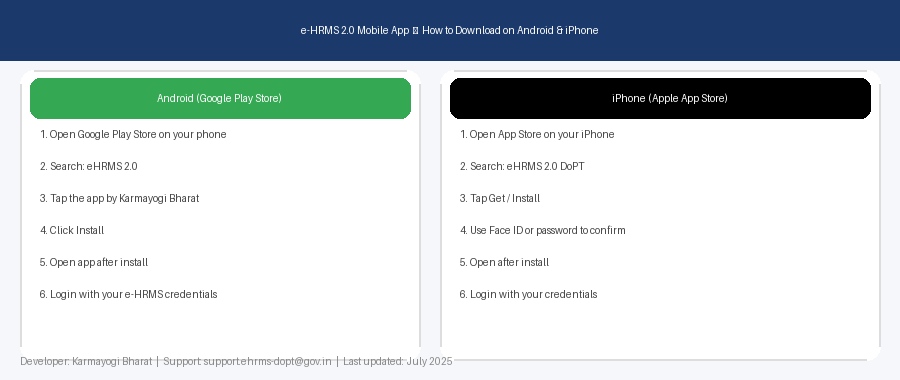
How to Download on Android (Google Play Store)
- Open the Google Play Store on your Android phone
- Tap the search bar and type: eHRMS 2.0
- Look for the app published by Karmayogi Bharat
- Tap the Install button
- Wait for the download to complete
- Open the app and tap Log In
- Enter your e-HRMS credentials (same as the website)
Minimum requirement: Android 13.0 or above.
How to Download on iPhone (Apple App Store)
- Open the App Store on your iPhone
- Tap the Search tab and type: eHRMS 2.0 DoPT
- Find the app by Karmayogi Bharat and tap Get
- Confirm with Face ID, Touch ID, or your Apple ID password
- Wait for installation to complete
- Open the app and log in with your e-HRMS credentials
What Can You Do on the App?
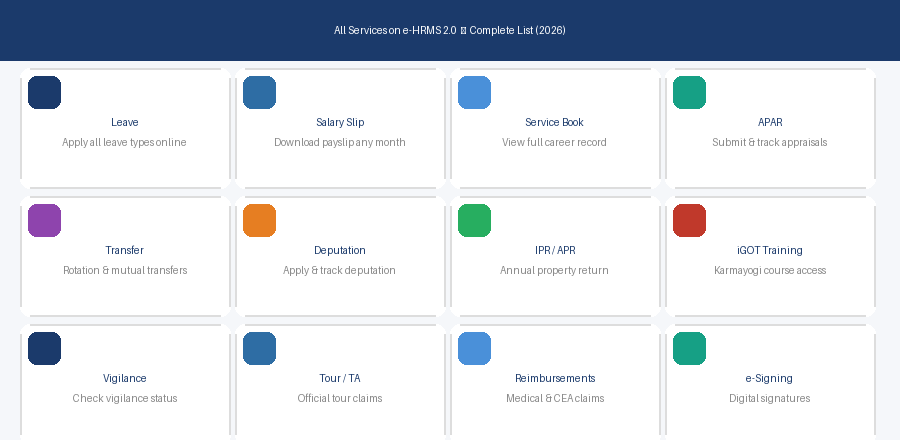
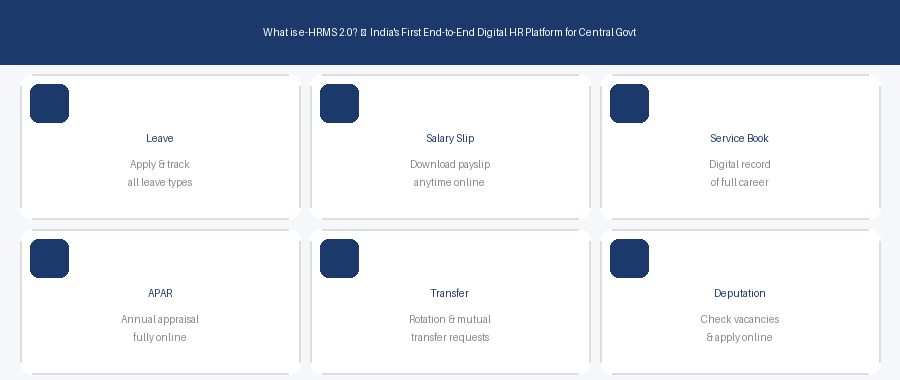
- Apply for leave and check leave balance
- Download monthly salary slip
- View your e-Service Book
- Track APAR status
- Check vigilance clearance
- Access iGOT Karmayogi training modules
- Receive notifications for approvals and official communications
Important Things to Know
Auto-logout: The app logs you out after a period of inactivity as a security feature. This protects your sensitive service data — similar to secure banking apps.
Session behaviour: Some features open the full website on your browser. This is expected for features not yet fully ported to the native app interface.
Updates: Enable auto-update in your Play Store / App Store settings to always have the latest version.
App Not Working? Try These Steps
- Check your internet connection — the app requires active internet
- Update the app to the latest version
- Clear app cache: Settings → Apps → eHRMS 2.0 → Clear Cache
- Try the website at e-hrms.gov.in to confirm your credentials
- Email support: support.ehrms-dopt@gov.in
Frequently Asked Questions
Is the e-HRMS 2.0 app official or third-party?
It is the official app developed by Karmayogi Bharat and launched by DoPT. Always download from the official Google Play Store or Apple App Store only.
Can I use the same login for the app and the website?
Yes. Your User ID and password are the same for both the website (e-hrms.gov.in) and the mobile app.
The app keeps logging me out. Is this normal?
Yes, this is by design. The app auto-logs out after inactivity to protect your service data. DoPT is reviewing the session duration.
Is the app free?
Yes, completely free to download and use for eligible central government employees.